1. Go to the College homepage at sunysuffolk.edu and click Login, or go directly to sunysuffolk.edu/login

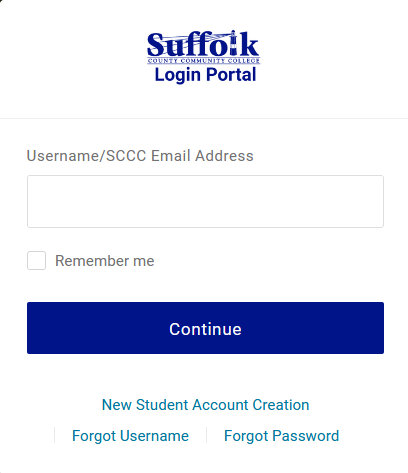
2. Enter your Suffolk username and click Continue
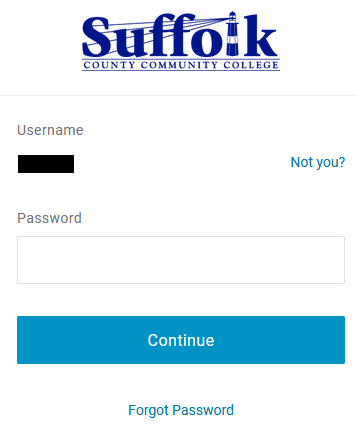
3. Enter your password and click Continue again
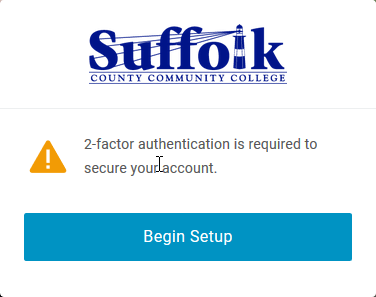
4. Click on Begin Setup
5. Select your primary MFA method. We recommend you set up an app on your phone. Follow the prompts and you will be logged in to the Suffolk Login Portal. If you select email as your primary method, please make sure to use a personal email. DO NOT use your Suffolk email.
For detailed written instructions on how to set up the MFA check the SUNY Suffolk Login Portal Instructions.
Before you Log Out, it is recommended that you set up a secondary security factor.
If you already set up an MFA but it is not working, contact the Suffolk Help Desk at 631-451-HELP (4357) to have your MFA reset.
